
There is a moment after every funeral service when the structure of the day falls away. The readings have been read. The prayers have been prayed. The casket or urn has been carried or placed. And then - almost abruptly - it's over. Families walk out of the service and into a gap that can feel startingly empty. More and more, families are choosing to fill that space with something deliberate: a reception. Not as an afterthought or an obligation, but as one of the most meaningful parts of the entire experience. As a funeral director, I have watched this shift unfold, and I can tell you without hesitation that reception gatherings are changing the way families experience loss and remembrance. Why the Gathering Matters A funeral service is, by nature, a structured event. There is an order. A beginning and an end. It is important, even essential, but it is rarely the place where the deepest healing begins. That tends to happen in the unstructured time afterward, when family and friends are simply together in the same room with no agenda other than being present with one another. It offers time to talk, to reflect, and simply be together. A reception creates that space. It gives people the chance to tell the stories that didn't fit into the eulogy. To reconnect with family members who traveled from out of state. To hold someone's hand, share a meal, and simply sit with the reality of the day. The service says goodbye. The reception says we are still here, and we are in this together. It Doesn't Have to Be Elaborate Some families imagine a reception as a catered affair requiring weeks of planning and a sizeable budget. It can be, but it absolutely does not have to be. A reception may be coffee and pastries in the funeral home's gathering space, if allowed. It can be sandwiches and sweet tea in a family member's backyard. A shared meal at the loved one's favorite restaurant. Even a potluck at the church fellowship hall where your loved one attended services for many years. What matters is not the menu. It is the intention behind the gathering - a deliberate decision to stay together longer before everyone returns to their separate lives. The Personal Touches That Make It Meaningful The reception families remember most are the ones that carry the personality of the person being honored. A table of their favorite desserts. A playlist of songs they listened to on Saturday mornings. A photo display with handwritten stories pinned beside each image. A signature cocktail from the restaurant where they always ordered the same thing. These details transform a gathering from an obligation into a celebration. They give guests permission to smile, to laugh, and to share parts of the person they knew best. I have watched rooms go from somber silence to warm, tear-filled laughter in the space of a single shared memory - and that shift is almost always sparked by a personal touch that only the family could have though of. A Space for Everyone One of the most underappreciated aspects of a reception is that it creates a space for the people who were important to the deceased but may not have been close to the immediate family. Coworkers, neighbors, old friends, fellow church members - these people often feel unsure of their place at a funeral. A reception gives them a comfortable way to pay their respects, share a story, and offer their condolences without feeling like they are intruding on a private moment. This matters more than most families realize. The breadth of a person's life, the full reach of their impact, often doesn't become visible until you see the range of people who showed up to remember them. An Ending That Feels Complete A funeral without a reception can leave families feeling like the day ended too soon - as though they were given a profound experience and then sent home before they were ready. A reception provides a natural, unhurried close to the day. People stay as long as they need. They leave when they're ready. There is no program, no clock, no formality - just people who loved the same person, choosing to be in the same room for a little while longer. If you are planning services for someone you've lost, consider the reception not as an extra, but as one of the most meaningful elements of the entire day. It is where the formal farewell becomes something personal, something warm, and something your family will carry forward long after the day is over. Interested in hosting a reception as part of your loved one's services? Our team can help coordinate everything. Let us know how we can help. Frequently Asked Questions About Should You Have a Reception After a Funeral? What is a funeral reception? A reception is a gathering after the service where family and friends can share memories and support one another. Is a reception necessary? No, but many families find it to be one of the most meaningful parts of the day. What do you serve at a funeral reception? Options can range from light refreshments to full meals, depending on the family's preference.

After the service is over, after the flowers have been cleared and the reception line has dissolved and the house has gone quiet, families reflect. They think about what they would have done differently. What they wish they had known before they walked through the funeral home door for the first time. I've stood on the other side of that door for many years. The insights families share afterword come up so often that they're worth passing along - not as criticism, but as guidance from those who have already walked this path. What Should You Know Before Planning a Funeral? First, it helps to understand that you don't have to have everything figured out right away. Taking a little time, asking questions, and knowing what to expect can make the process far more manageable. "I wish I Knew That I Could Take My Time." The most common regret families share is feeling rushed. In the fog of early grief, every decision feels urgent. But almost nothing about funeral planning requires an immediate answer. You can take a day before scheduling the arrangement conference. You can sleep on decisions about caskets, services, and cremation. You can ask for time - and any funeral director worth their license will give it to you without hesitation. The arrangements will wait. Your clarity matters more than speed. "I wish I'd Brought Someone With Me." Grief affects memory and focus. Families who attend arrangement meetings alone often wish they had brough someone with them. A trusted friend or family member can help listen, take notes, ask questions, and share the emotional weight. They're not there to make decisions for you - they're there to support you, catch details you might miss, and remind you afterward of what was said. "I wish I'd Asked About All of the Costs Upfront." Federal law requires every funeral home to provide a General Price List (GPL), and a good funeral director will review it with you line by line. But families often hesitate to ask pointed questions about cost because it feels disrespectful or transactional in the middle of grief. It is neither. Understanding the cost of every element - before you agree to it - is your right, and it is the foundation of a trustworthy relationship between your family and your funeral home. Ask about package pricing versus itemized options. Ask what is included and what is additional. Ask if there are more affordable alternatives that still align with your wishes. Find out about cash advance items, like death certificates, clergy, or flowers. Funeral directors expect these questions and are happy to answer them so that you make the right decision for your family and your budget. "I Didn't Know I Could Personalize This Much." Many families walk into an arrangement conference with a mental image of a funeral that looks like the last one they attended - formal, traditional, and generic. What they often discover is just how flexible and personal a funeral can be. From music and video tributes to meaningful keepsakes on display, favorite foods, or readings by loved ones - there are countless ways to reflect a unique life. The most meaningful services are the ones that truly feel like the person being honored. Don't hesitate to ask for ideas. Personalization is where a service becomes a tribute. "I Didn't Know How Much the Service Would Mean to Me." This one comes up more than any other. Families who initially considered skipping a formal service - opting for direct cremation or a simple disposition - and then chose to hold a service anyway almost universally say the same thing afterward: they had no idea how much they needed it. The service is not for the person who died. It is for everyone still living. It is the place where grief becomes shared, where the full weight of a life becomes visible, and where the slow work of healing has a chance to begin. This is when stories are shared and the impact your loved one had on other people's lives is evident in ways you may not have known. Even a simple gathering can make a profound difference. Have questions before you make decisions? Our team welcomes that conversation - before, during, or after a time of need. Reach out anytime. We're here. Frequently Asked Questions About What You Should Know Before Planning a Funeral What mistakes should you avoid when planning a funeral? Rushing decisions, not asking questions, and not bringing support are common challenges families face. How do you prepare for a funeral arrangement meeting? Gather basic information, bring a support person, and write down questions in advance. What questions should you ask a funeral director? Ask about services, costs, timelines, and available options. How can you avoid overspending on a funeral? Review pricing carefully, ask about alternatives, and choose only what feels meaningful.
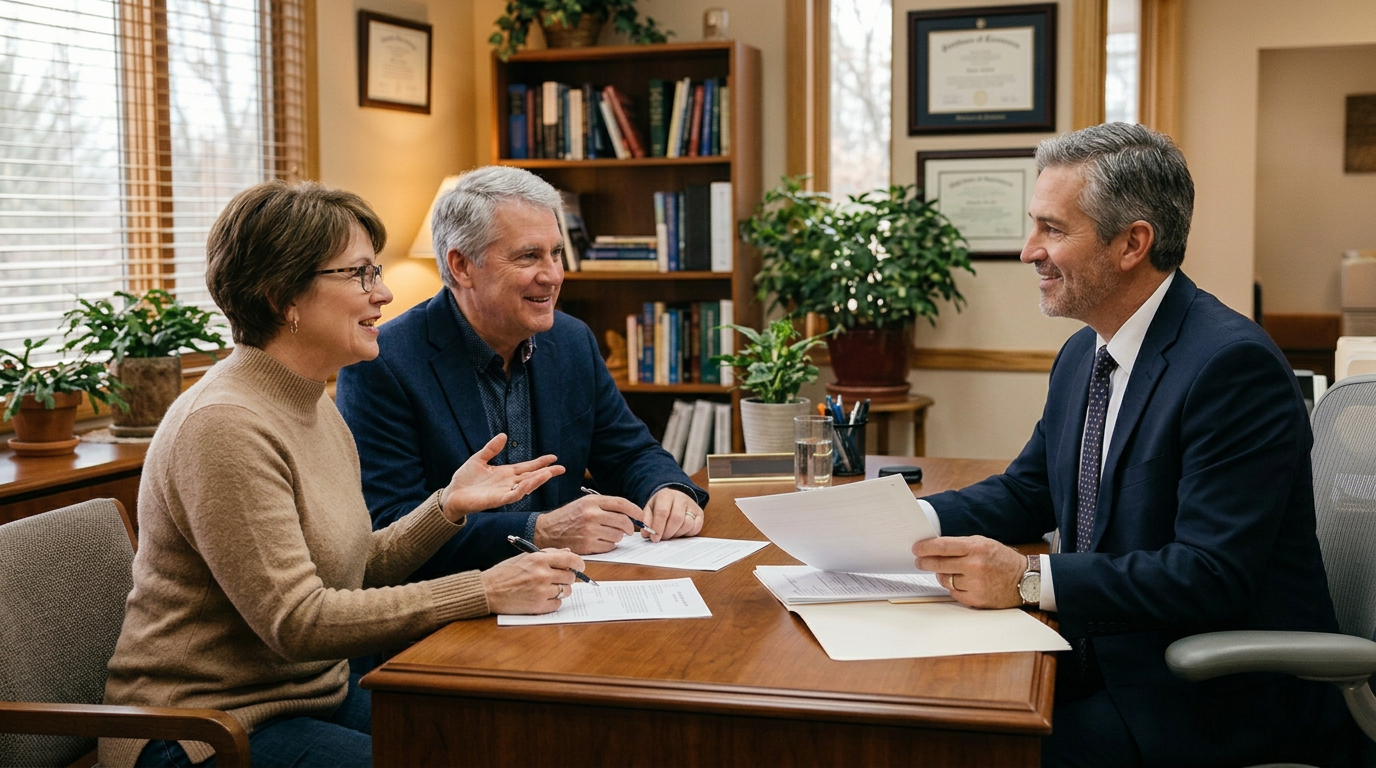
How Funeral Preplanning Eases the Emotional and Financial Burden on Your Family

A Funeral Director's Guide for Families
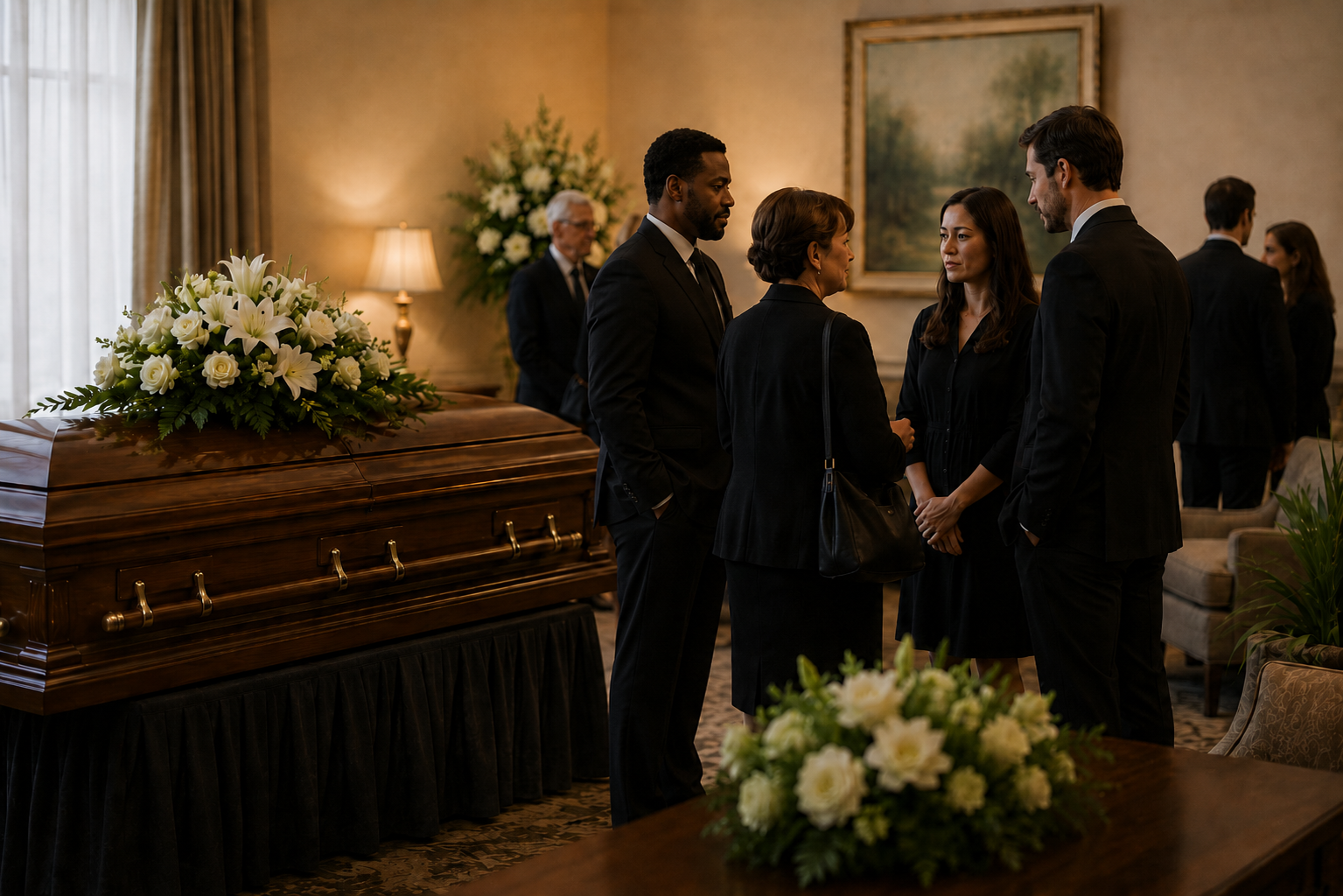
Learn what to say at a funeral, what to wear to a visitation or memorial service, and meaningful ways to express sympathy and support during a time of loss.
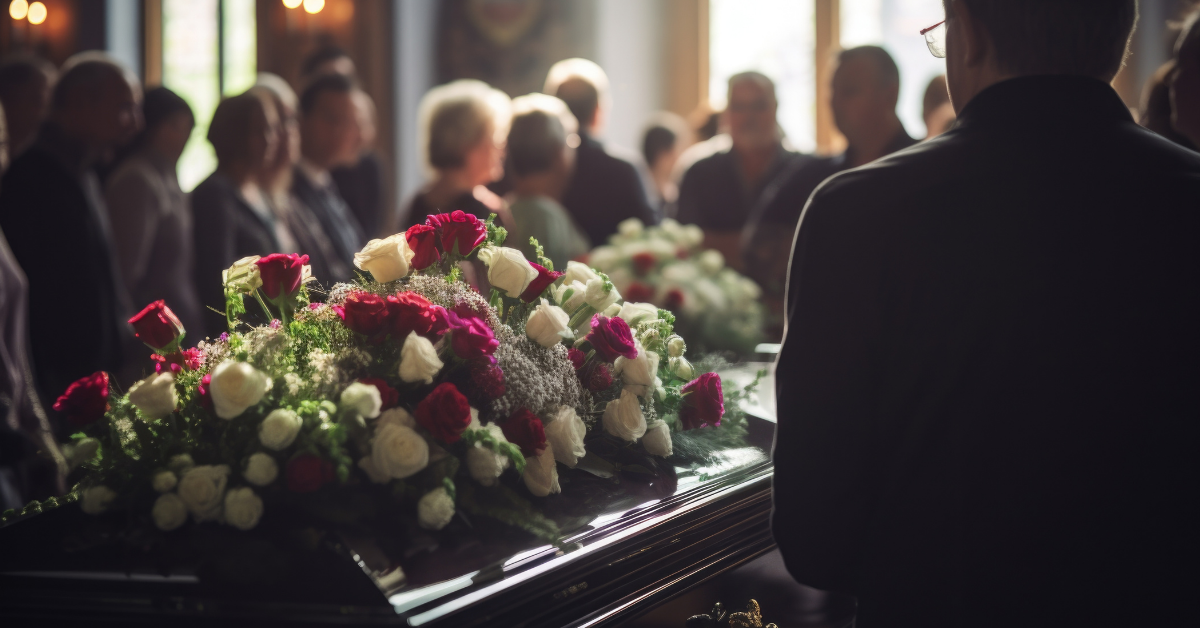
Finding Healing, Connection, and Comfort After Loss

A simple guide to what happens after a loss.

Need to plan a funeral? We're here to help.

Bandages for Your Heart - Grief Changes You: And It's Okay

Bandages for Your Heart Your Spiritual Toolbox: Everyday Activities for Grief Recovery